
Internal Automations
Stop Doing By Hand What a System Should Handle.
Reporting, data sync, approvals, support triage: the repetitive work your team is still doing manually, built into a system that runs itself.
What's included
Automation scoped to what's actually eating your team's time.
A process audit first, then automation built for the specific workflow: reporting that assembles itself, data that syncs between tools without someone copy-pasting, approvals that route automatically, support tickets triaged before a human reads them.
Built on whichever layer fits: a no-code workflow tool for something simple and well-defined, or a proper backend service when there's real business logic, error handling, or scale involved.
Every automation ships with alerting. If something breaks, someone gets told, it doesn't just fail quietly until someone notices weeks later.
How we work
Audit the process before automating it.
Map
Every manual step in the workflow, who does it, how often, and what breaks when they're not available.
Automate
Built on the right layer for the job: no-code for simple triggers, custom backend logic for anything with real rules.
Test
Run against real data and real edge cases before it touches production, so it doesn't fail on the first exception it meets.
Ship
Deployed with alerting and fallback behavior, so a failure surfaces as a notification, not a mystery.
Tools
Chosen for the workflow, not one default platform.
n8n
Workflow automation
Composio
Tool + integration layer
Node.js
Custom automation logic
Supabase / Postgres
Data sync + storage
Stripe
Billing automation
Slack / Email
Alerts + notifications
Who it's for
Three reasons teams call us in for automation.
Someone is manually copying data between tools.
A person's actual job has become clicking between two systems and re-entering the same information. That's exactly the kind of work a sync job should be doing.
Reporting eats a day every week.
Pulling numbers from three dashboards into a deck or spreadsheet, every week, by hand. We build the pipeline that assembles it automatically.
Approvals are stuck in email threads.
A request goes out, someone has to remember to check for it, approve it, and tell the next person. We route it through a system instead of someone's inbox.
FAQ
Common questions.
Anything repeated on a schedule or trigger: reporting, data entry between tools, approvals stuck in email, support triage.
Whichever fits. Simple automations run on tools like n8n. Real business logic gets built as a proper backend service.
It tells someone. We build alerting and fallback behavior in, so a broken integration surfaces immediately, not three weeks later.
Usually it replaces the repetitive part, not the job. Time goes toward judgment calls a system can't make.
A short process audit: what's manual today, how often, what breaks when someone's out. That's what gets automated first.
Internal Automations
Stop Doing By Hand What a System Should Handle.
Reporting, data sync, approvals, support triage: the repetitive work your team is still doing manually, built into a system that runs itself.
On this page
What's included
Automation scoped to what's actually eating your team's time.
A process audit first, then automation built for the specific workflow: reporting that assembles itself, data that syncs between tools without someone copy-pasting, approvals that route automatically, support tickets triaged before a human reads them.
Built on whichever layer fits: a no-code workflow tool for something simple and well-defined, or a proper backend service when there's real business logic, error handling, or scale involved.
Every automation ships with alerting. If something breaks, someone gets told, it doesn't just fail quietly until someone notices weeks later.
How we work
Audit the process before automating it.
Map
Every manual step in the workflow, who does it, how often, and what breaks when they're not available.
Automate
Built on the right layer for the job: no-code for simple triggers, custom backend logic for anything with real rules.
Test
Run against real data and real edge cases before it touches production, so it doesn't fail on the first exception it meets.
Ship
Deployed with alerting and fallback behavior, so a failure surfaces as a notification, not a mystery.
Tools
Chosen for the workflow, not one default platform.
n8n
Workflow automation
Composio
Tool + integration layer
Node.js
Custom automation logic
Supabase / Postgres
Data sync + storage
Stripe
Billing automation
Slack / Email
Alerts + notifications
Who it's for
Three reasons teams call us in for automation.
Someone is manually copying data between tools.
A person's actual job has become clicking between two systems and re-entering the same information. That's exactly the kind of work a sync job should be doing.
Reporting eats a day every week.
Pulling numbers from three dashboards into a deck or spreadsheet, every week, by hand. We build the pipeline that assembles it automatically.
Approvals are stuck in email threads.
A request goes out, someone has to remember to check for it, approve it, and tell the next person. We route it through a system instead of someone's inbox.
FAQ
Common questions.
Anything repeated on a schedule or trigger: reporting, data entry between tools, approvals stuck in email, support triage.
Whichever fits. Simple automations run on tools like n8n. Real business logic gets built as a proper backend service.
It tells someone. We build alerting and fallback behavior in, so a broken integration surfaces immediately, not three weeks later.
Usually it replaces the repetitive part, not the job. Time goes toward judgment calls a system can't make.
A short process audit: what's manual today, how often, what breaks when someone's out. That's what gets automated first.
Our Work
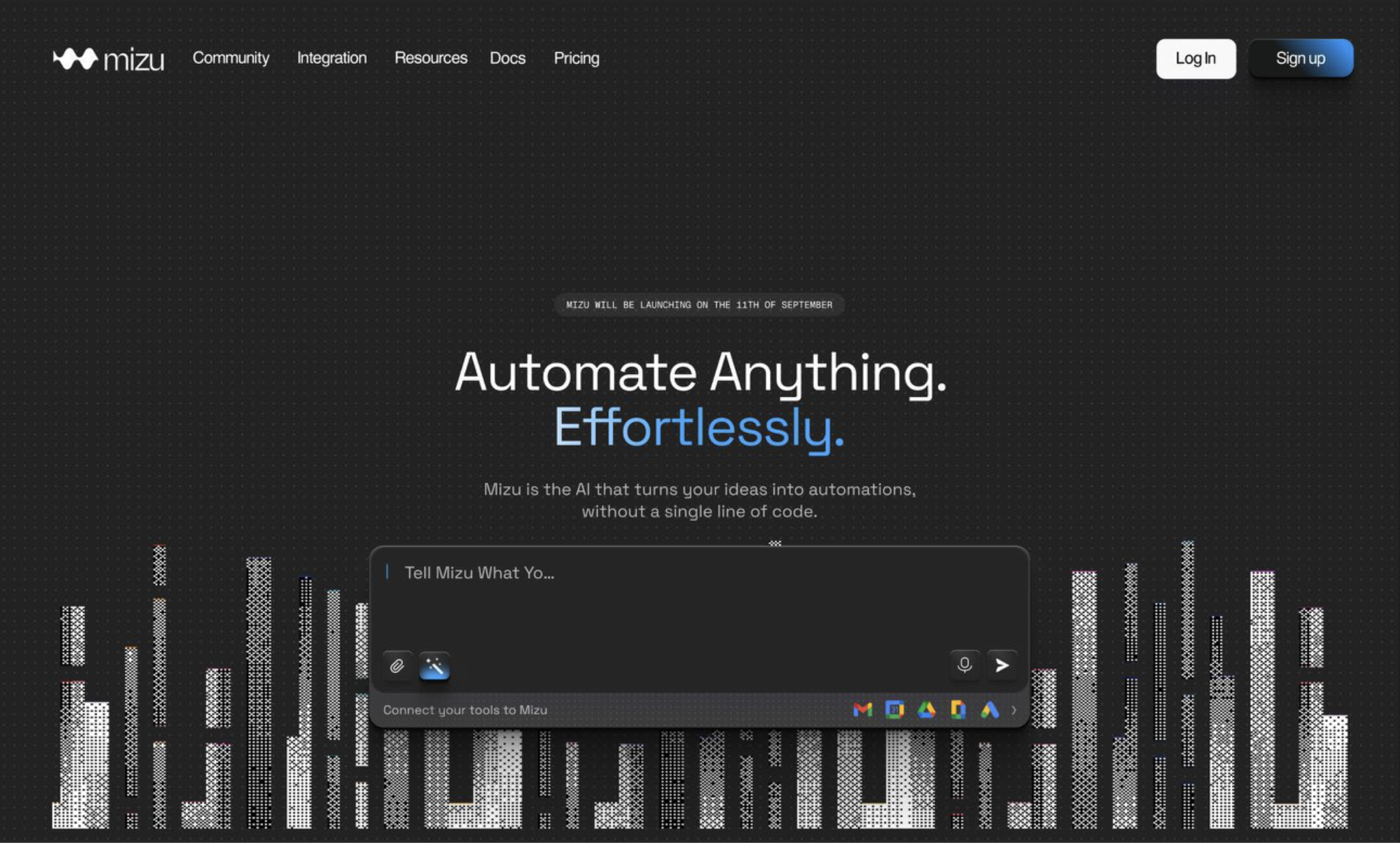
Mizu AI
Shipping an AI-native automation builder from zero to launch in 6 weeks
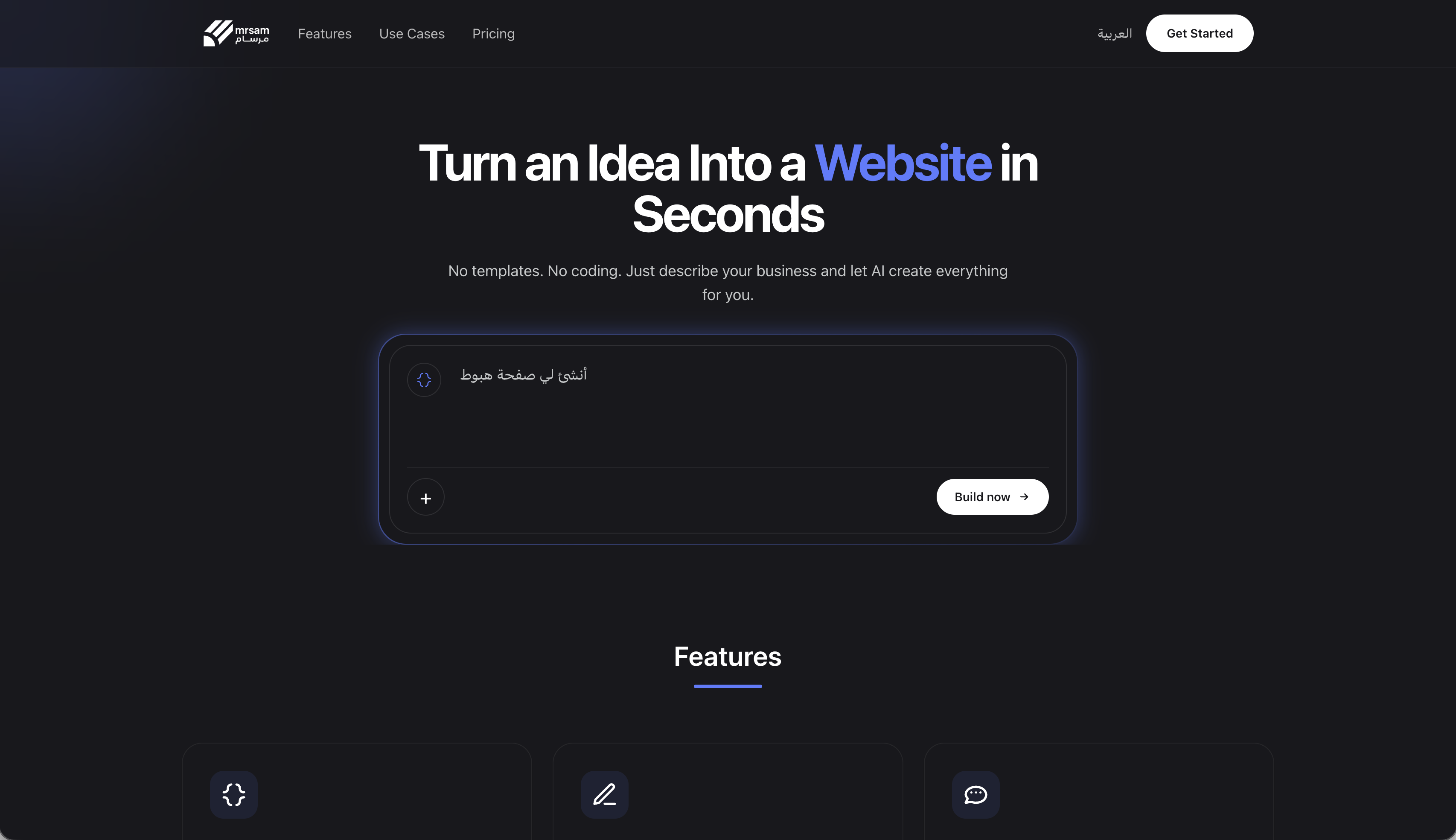
Mrsam AI
The RTL-first, no-code website builder that closed a $500K seed round
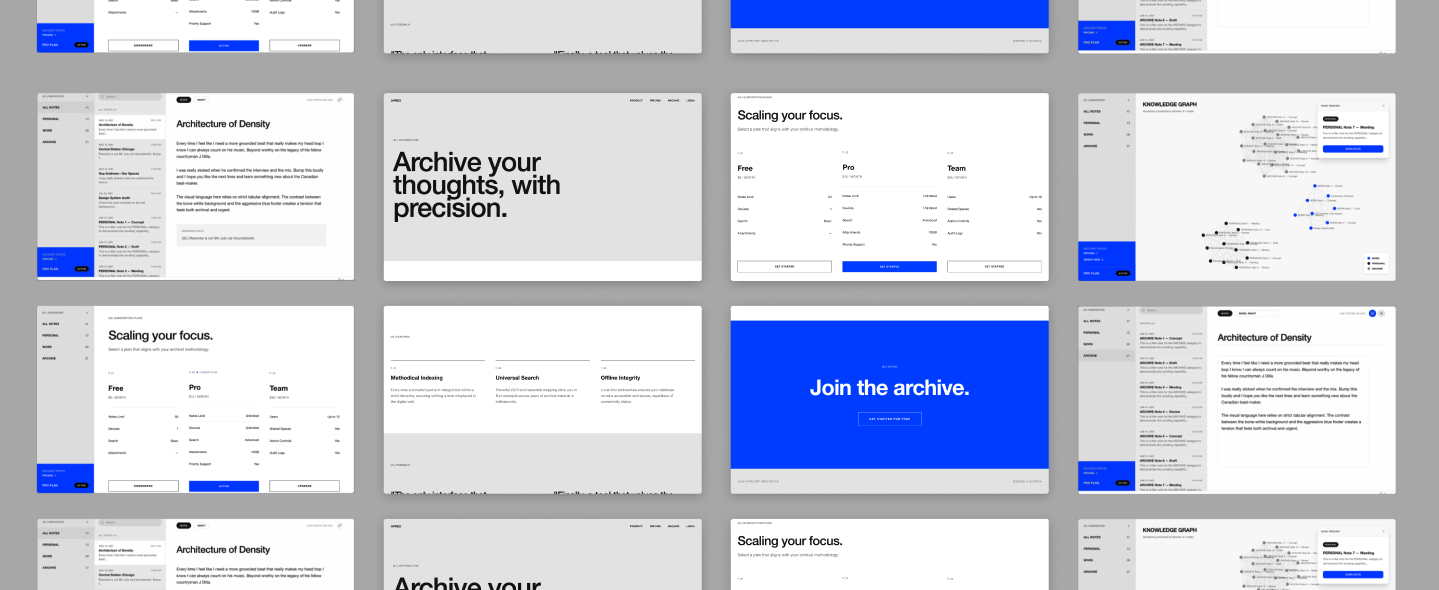
Aprex
From blank canvas to production app: a precision tool for thought in React
Book a Call