




there are three real ways a small business actually gets AI automation running: a no-code tool you wire up yourself, an AI feature already built into software you pay for, or a custom automation built specifically for your workflow. most businesses end up using some mix of the first two, and hit a wall that only the third one solves.
a 2026 Goldman Sachs survey of 1,256 small business owners found 93% of those using AI report a positive impact on their business, and 84% specifically cite increased efficiency. the benefit is real. this article is about how to actually get there, path by path, with real examples for each.
What you'll learn:
- why small business owners are automating right now, with real numbers from multiple independent surveys
- the three real paths to building AI automation, and how each one actually works
- real, named examples of tools and platforms for each path
- a real video walkthrough of building an automation yourself
- which path fits your situation, and when to move from one to the next
- what a custom-built automation looks like, with a live example
why small business owners are automating right now
the number worth paying attention to isn't "is AI popular," it's what happens after someone actually turns an automation on, and how much of that success small businesses specifically are seeing versus larger companies.
Goldman Sachs, 10,000 Small Businesses Voices
What happens once a small business actually automates
Report a positive impact
93%
Of small businesses already using AI, this is the share who say it's actually helped.
Cite increased efficiency
84%
The single most common benefit named, ahead of cost savings or revenue.
dreamlaunch
Survey of 1,256 small business owners across all 50 states, DC, and Puerto Rico, conducted by Babson College and David Binder Research for Goldman Sachs, Jan 27 to Feb 4, 2026.
67% expect AI to increase revenue going forward, and 87% see it as a way to make their existing team more effective, not replace anyone. Visa's own research backs the appetite up from a different angle: 9 in 10 small businesses say they're considering AI and automation specifically to stay competitive, not as an experiment on the side.
a second, independent survey confirms the same pattern from the other direction. McKinsey's 2026 State of AI survey found that smaller organizations are scaling AI agents at roughly half the rate of large ones: 22% of smaller organizations report scaling AI agents in at least one function, compared to 40% of organizations with over $1 billion in revenue. Looked at enterprise-wide, one-third of smaller organizations report scaling AI across the whole business, against 54% of large ones.
McKinsey, State of AI 2026
Smaller organizations scale AI at roughly half the rate of large ones
Share reporting AI scaled across at least one function or the whole enterprise, by organization size.
| Scaling AI agents, smaller orgs |
22%
|
|---|---|
| Scaling AI agents, orgs over $1B revenue |
40%
|
| Scaling AI enterprise-wide, smaller orgs |
33%
|
| Scaling AI enterprise-wide, orgs over $1B revenue |
54%
|
dreamlaunch
Source: McKinsey Global Survey on the state of AI, 2026.
none of this is because AI doesn't work for smaller businesses, the Goldman Sachs numbers above say the opposite. it's a resourcing and know-how gap, not a results gap. that's exactly what the three paths below are for: closing it without needing a large enterprise's budget or in-house AI team.
path 1: a no-code tool you wire up yourself
tools like Zapier, Make, and n8n let you connect the apps you already use and automate a task between them without writing code. a new form submission drops a lead straight into your CRM. a five-star review triggers a thank-you email. an invoice marked paid updates your spreadsheet automatically. Zapier alone connects over 9,000 apps, which is the real reason this path is usually the fastest one to start on, whatever tool you already use, there's a good chance it plugs in directly.
the benefit is speed and cost: most of these tasks take an afternoon to set up and cost very little to run. this is the right starting point for a genuinely simple, single-purpose task, one app talking to another, with no real edge cases to handle.
watching someone actually build one end to end makes the limits clearer than a description does. this is n8n's own walkthrough of building a real automation from scratch:
the limit shows up once the workflow grows past a couple of steps, or needs to make a judgment call rather than just move data from one place to another. you're the one who built it, so you're the one who maintains it, and when a connected app changes its interface, you're the one who has to notice the automation broke. this isn't a hypothetical: Zapier's own 2025 survey of enterprise AI practitioners found integration challenges are the single most commonly cited obstacle to scaling AI automation, named by 44% of respondents, ahead of budget or leadership buy-in.
path 2: an AI feature already built into tools you pay for
a lot of software you already use now ships its own AI layer: Salesforce's Agentforce inside your CRM, Amazon Q built into AWS services you already host on, an AI assistant inside QuickBooks or your scheduling software. you don't build anything, you turn a feature on inside a tool you're already paying for.
the benefit is that it's already integrated with data you have there, no new account, no separate bill in most cases. this is a strong option when the automation you need lives entirely inside one platform: summarizing customer notes inside your CRM, drafting replies inside your helpdesk tool, categorizing expenses inside your accounting software.
the limit is that it only automates the piece that lives inside that platform. the moment your workflow needs to move across two or three different tools, a lead captured in one app, qualified in a second, and billed in a third, a bolt-on feature stops at the edge of the one it's attached to. it can't reach across the boundary the way a no-code tool or a custom build can.
this is also the path most likely to be free or already included in a plan you're paying for anyway, which makes it worth checking before signing up for anything new. before buying a separate "AI automation service," it's worth a few minutes confirming whether the CRM, accounting software, or scheduling tool you already use has already shipped the exact feature you're about to pay someone else to build.
path 3: a custom-built automation
the third path is having something built specifically for your workflow, including the edge cases the first two paths don't handle, and maintained rather than left for you to fix.
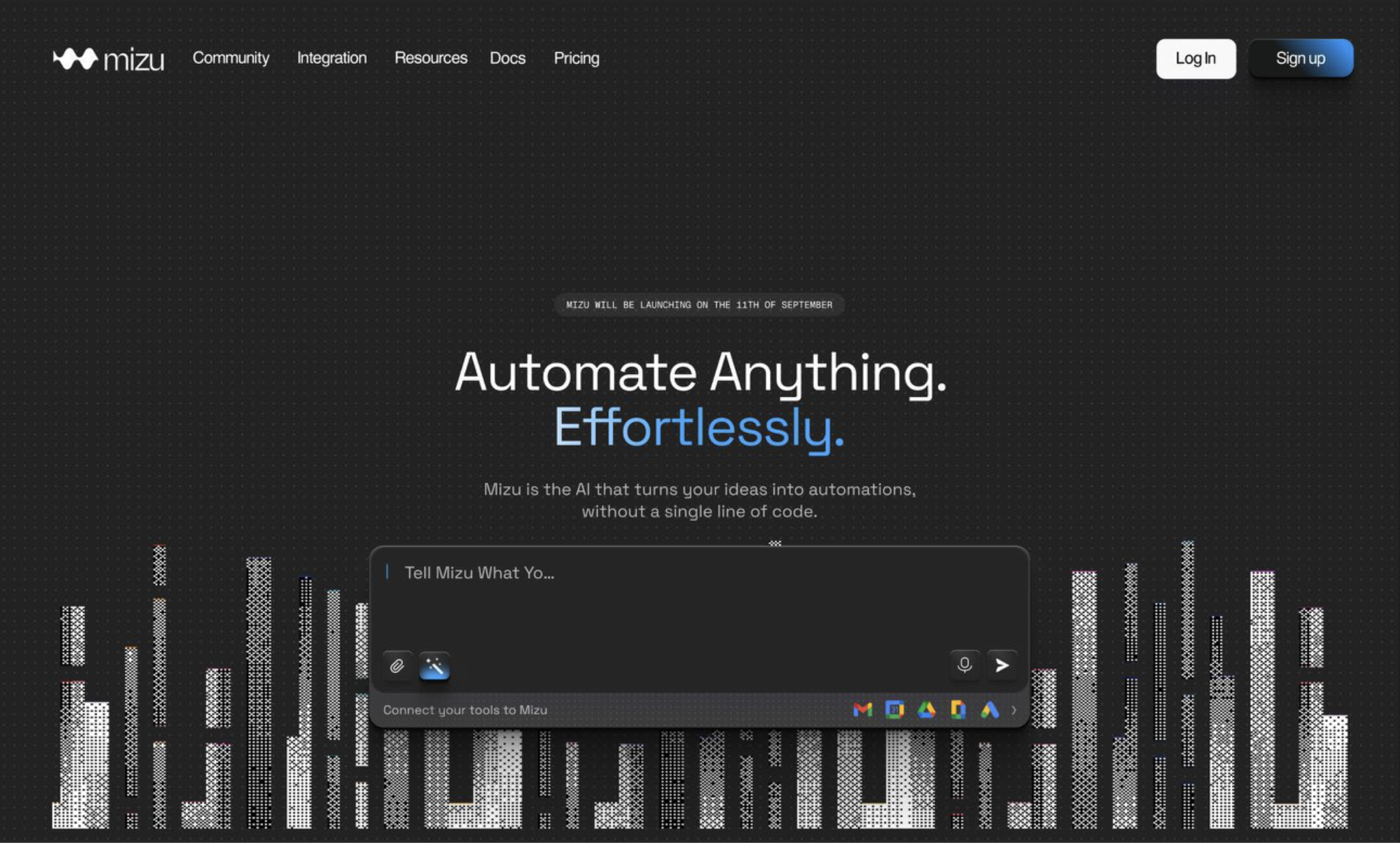
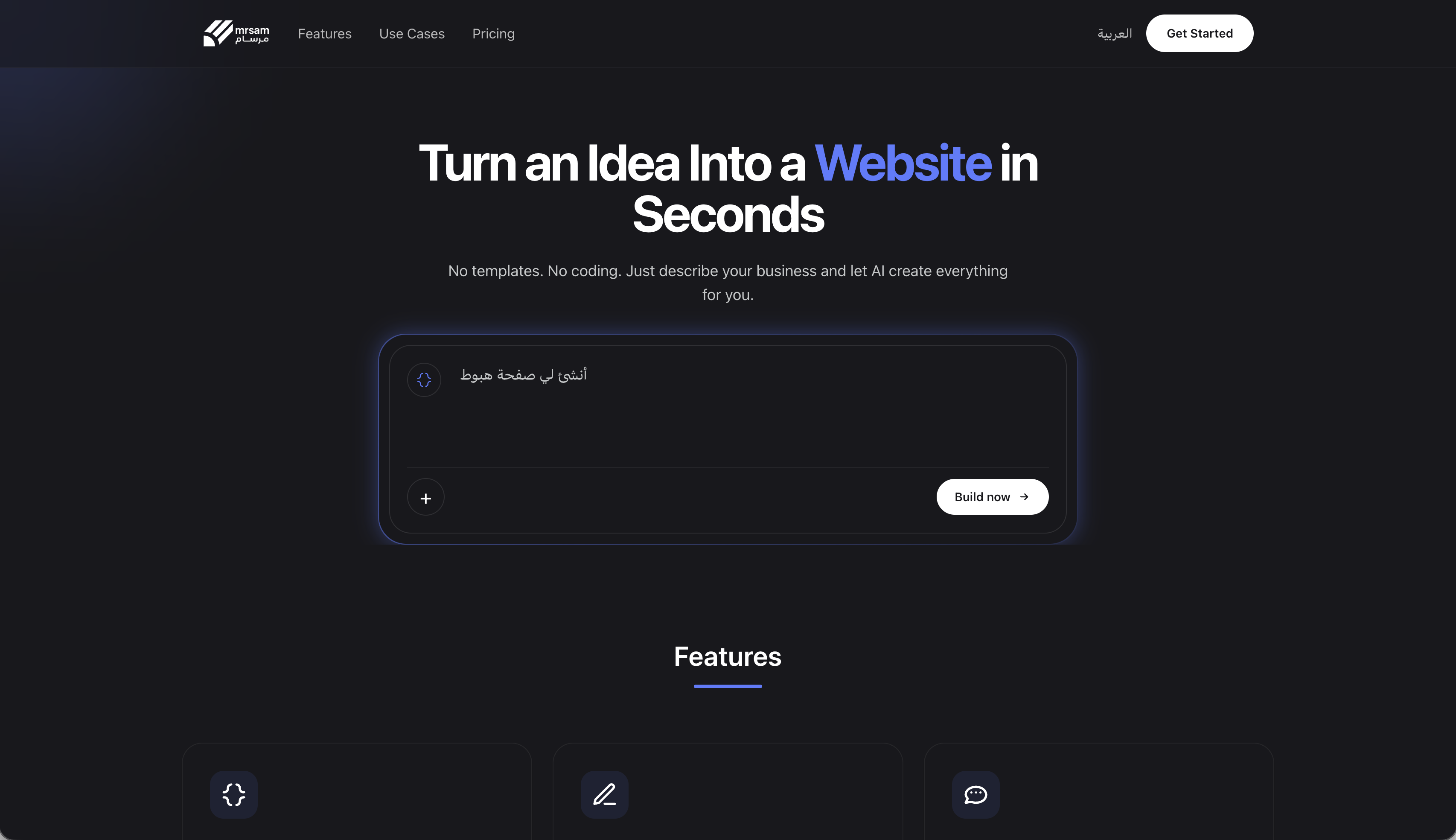
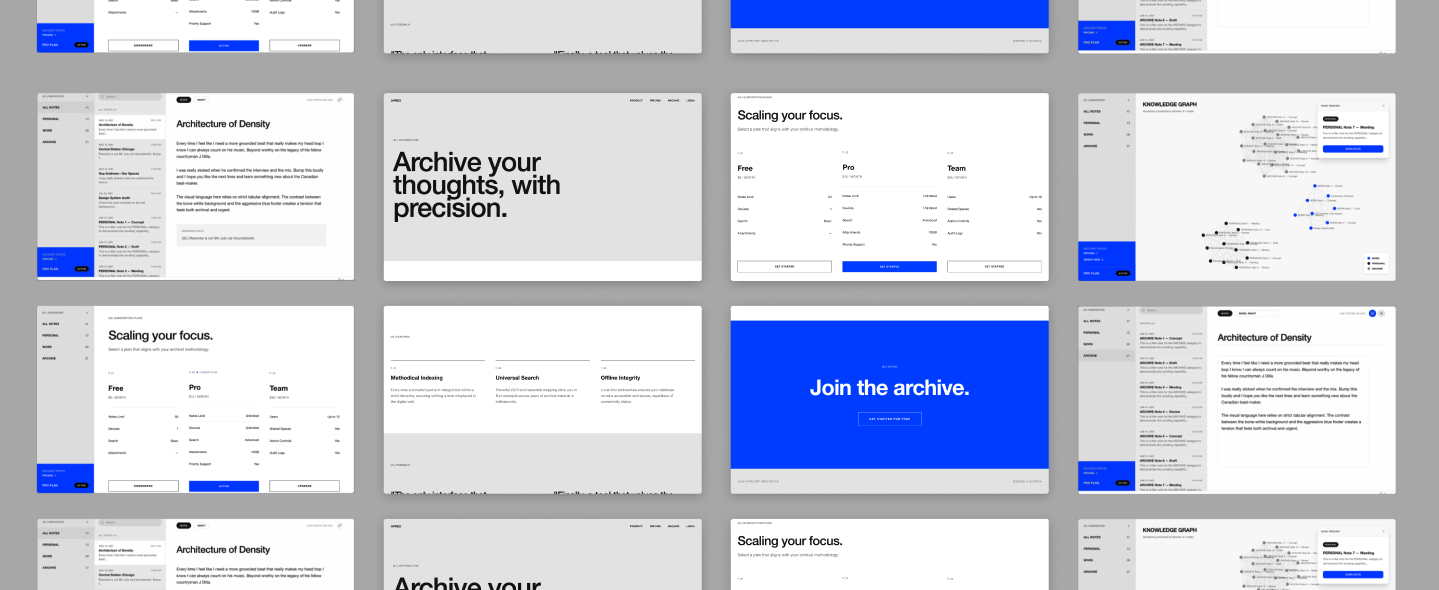
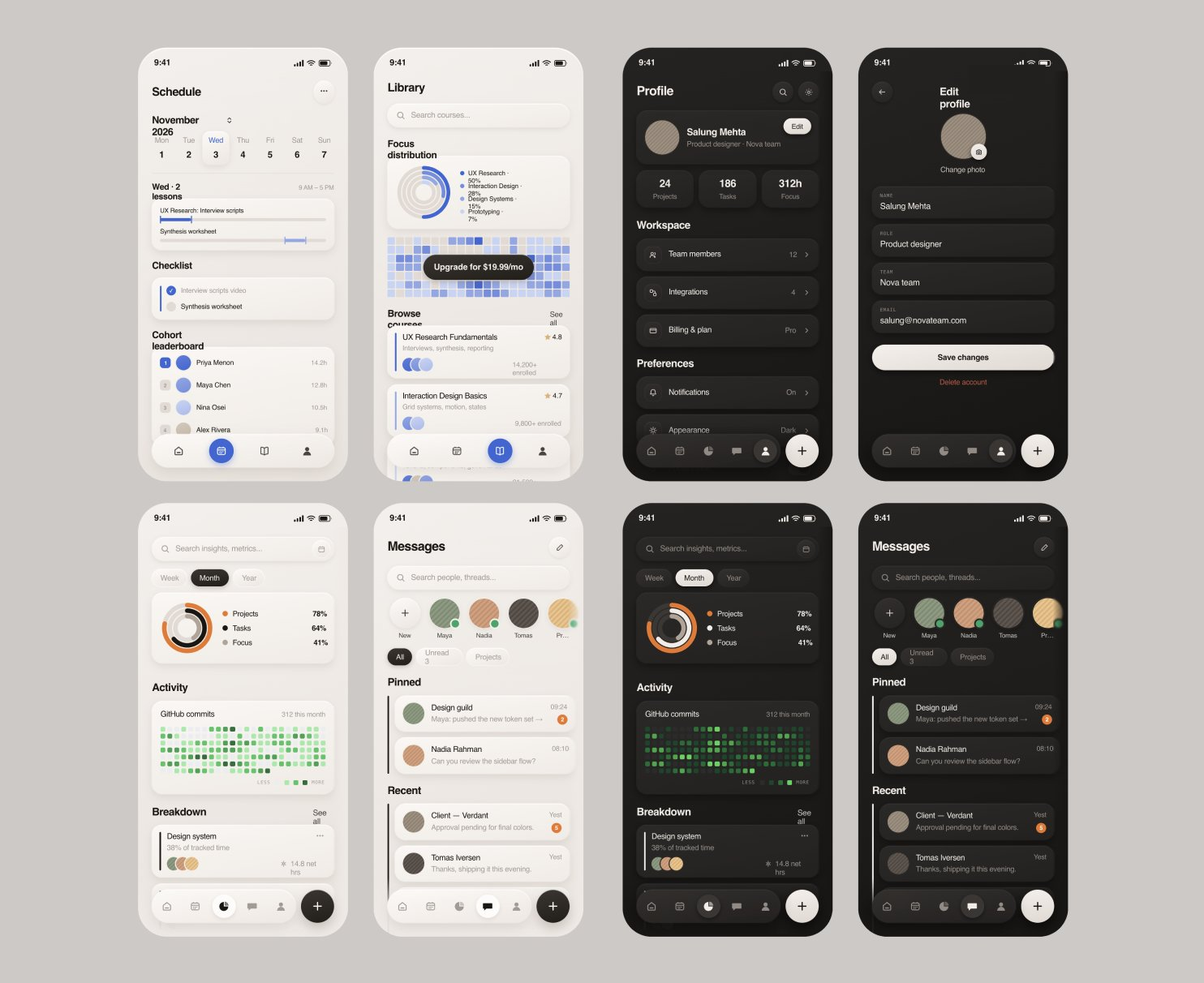
a real example: Mizu AI, an AI-native automation builder DreamLaunch built from a blank page to a live product in six weeks. describe a workflow in plain English, the AI asks what it needs to know, then builds it, with a visual canvas underneath so it's never a black box. five real integrations shipped at launch, Gmail, Slack, Calendar, Notion, and Docs, plus billing and onboarding, all built to keep working after launch, not just through the demo.
that's the standard worth holding a custom build to: not "does it work once," but "does it keep working after the person who commissioned it stops thinking about it." for a small business, this path costs more upfront than a no-code tool subscription, and it's the one that actually closes the gap the McKinsey and Goldman Sachs data both point at, because it's built around your specific workflow instead of bent to fit a general-purpose tool or boxed in by a platform's own edges.
Which path actually fits
dreamlaunch
Most businesses end up using a mix of all three, not just one.
if your workflow has landed in that third row, that's the kind of build DreamLaunch does, scoped once, built for your actual workflow, maintained after launch.
what to actually check before paying anyone for "ai automation services"
a lot of what's marketed under this term is a reseller wiring up Zapier on your behalf and charging a markup for it. that's not automatically bad, but it's worth knowing which one you're buying.
ask what happens when the workflow hits an edge case it wasn't built for, not the happy path, the messy one. ask who maintains it when an app you depend on changes its interface, the 44% integration-challenge figure above is exactly what you're trying to avoid inheriting. ask whether you're paying for a tool license plus their time, or for something they built and stand behind. ask for a fixed scope in writing, not an open-ended hourly estimate, since an open-ended engagement is how a simple automation quietly turns into a much larger bill. a straight answer to all four tells you whether you're renting or actually getting something built.