




You can launch an MVP in 2–4 weeks using AI by scoping it to one core job, writing a one-page spec with an AI assistant, generating the screens with a tool like v0 or Lovable, building the core flow in an AI app builder or an AI code editor like Cursor or Claude Code, adding auth and payments properly, debugging with a disciplined loop, and launching to 10 real users. A clickable prototype fits in 2 weeks; a production-ready MVP with auth, payments, and real user data usually takes closer to 4. This guide walks through every step, with the tools, example prompts, and the debugging process we use.
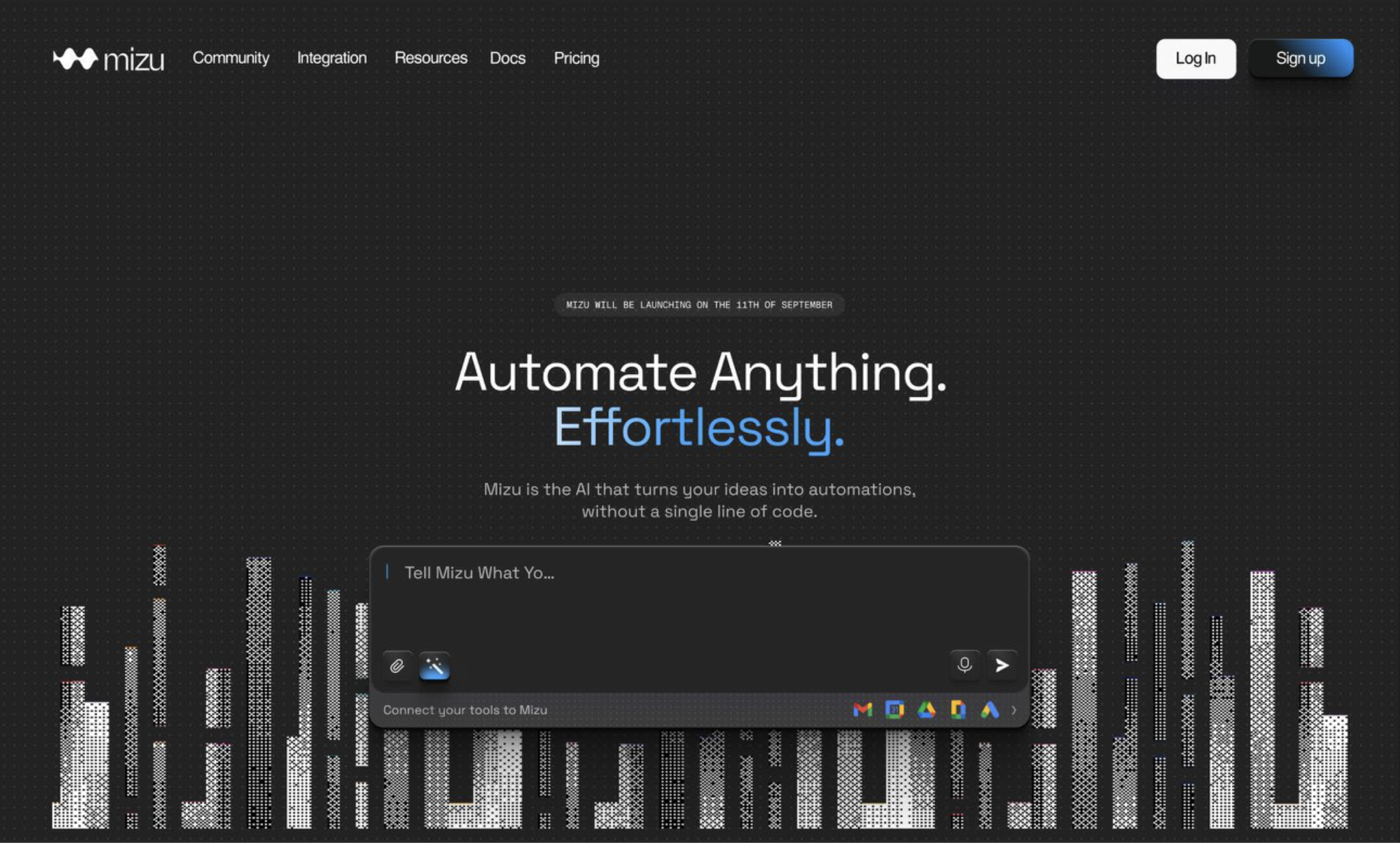
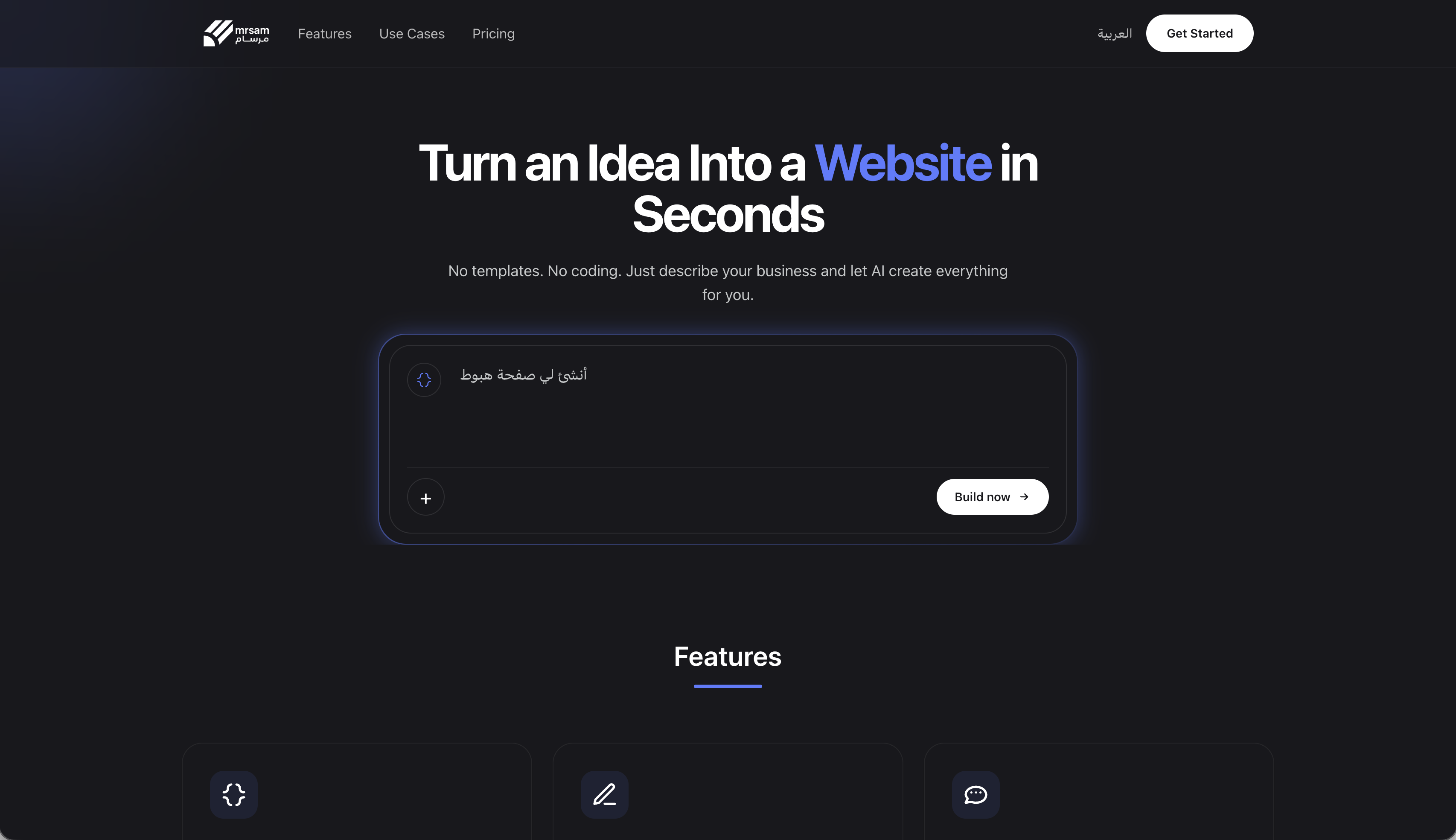
How we know. We're a product studio that builds MVPs with AI tools every day. Mizu AI, an AI automation builder with auth, onboarding, a visual canvas, five integrations, and billing, went from zero to launch in 6 weeks; Mosaic reached both app stores in 7 weeks; Mrsam AI launched in 10 weeks and its founder raised a $500K seed round. Our fixed Launch Sprint averages 4–5 weeks. The steps below are the same ones we follow, adapted for a founder doing it themselves. Tool prices were rechecked on September 26, 2026.
What do you need to build an MVP with AI?
You need one tool per job, not ten. This is the toolkit we'd recommend, by step:
| Step | Tool | Cost |
|---|---|---|
| Scope and spec | Claude or ChatGPT | Free, or Claude Pro at $17/month (annual) |
| Screens and UI | v0 or Lovable | v0 free, Plus $30/user/month; Lovable Pro $25/month |
| Build (no code) | Lovable or Bolt.new | $25/month on Pro |
| Build (real codebase) | Cursor or Claude Code | Cursor $20/month; Claude Code included in Claude Pro |
| Code storage | GitHub | Free for a private repo |
| Database and auth | Supabase | Free tier to start |
| Payments | Stripe | Per-transaction fees, no monthly fee |
| Hosting | Vercel | Free tier to start |
| Analytics | PostHog | Free tier to start |
That's the same core stack we ship in client MVPs (Next.js, Supabase, Stripe, Vercel, PostHog). The only real decision is the build path: an AI app builder if you can't read code, or an AI code editor if you (or a developer) can. We compare both in detail in best vibe coding tools.
How long does an MVP take with AI?
| What you're building | Realistic timeline |
|---|---|
| Clickable prototype, one core flow, builder defaults | 1–2 weeks |
| Production-ready MVP: real auth, payments, analytics, tested | About 4 weeks (our Launch Sprint averages 4–5) |
| AI product with integrations or native mobile apps | 6–10 weeks, in our experience |
Everyone underestimates. One founder's Hacker News post captures it:
"It took 12 weeks to ship an MVP I thought would take 3"
Hacker News on Reddit
The replies list the usual reasons: shortcuts that forced a rewrite, a cofounder leaving, and scope that grew. AI makes typing faster. It doesn't fix scope. That's why step 1 matters more than any tool.
Step 1: Scope the MVP to one job (days 1–2)
Write down, in one sentence, the single job your product does for one type of user. Everything that doesn't serve that job goes on a "later" list. A good MVP scope has:
- One user type. Not "founders and investors and admins". One.
- One core flow. From sign-up to the moment the user gets value, in as few screens as possible.
- A definition of done. What a user must be able to do for the MVP to count as launched.
- A cut list. The features you're deliberately not building yet, written down so you stop debating them.
Use an AI assistant to pressure-test the scope, not to expand it. A prompt that works:
I'm building an MVP for [user] who struggles with [problem].
The one job it does: [one sentence].
Here's my feature list: [list].
Act as a skeptical product lead. Cut this to the smallest set of features
that still proves users want it. For each feature you keep, explain why
the MVP fails without it. Put everything else on a "later" list.
If your list survives this and still has more than one core flow, cut again. Our 5 signs your MVP scope is too big is a useful second check.
Step 2: Write a one-page spec with AI (day 2)
AI tools build what you describe. A vague description gets a vague product; a clear one-page spec gets you most of the way on the first try. Ask your assistant to turn your scope into a spec with these sections:
- User and problem in two sentences.
- User stories for the core flow: "As a [user], I can [action] so that [outcome]."
- Screens, one line each: what's on it and what the user does there.
- Data: the things you store (users, projects, orders) and their fields.
- Rules: who can see and change what. This becomes your security later.
- Out of scope: the cut list from step 1.
Save it as a file (for example, SPEC.md). You'll paste it, or point your AI tool at it, at the start of every build session, so the tool always has the same context. We go deeper in what AI PRD generators get right and wrong and how to write a product brief developers understand.
Step 3: Design the core screens (days 3–4)
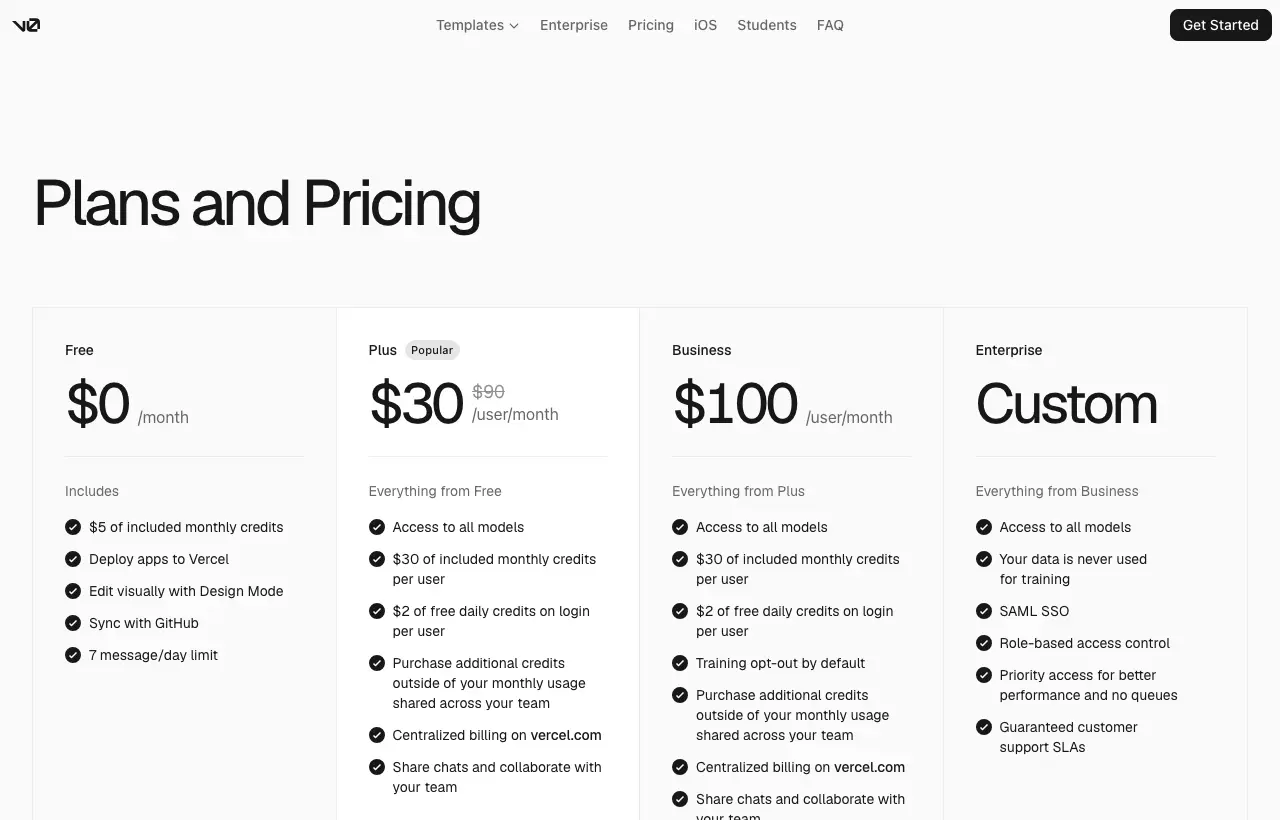
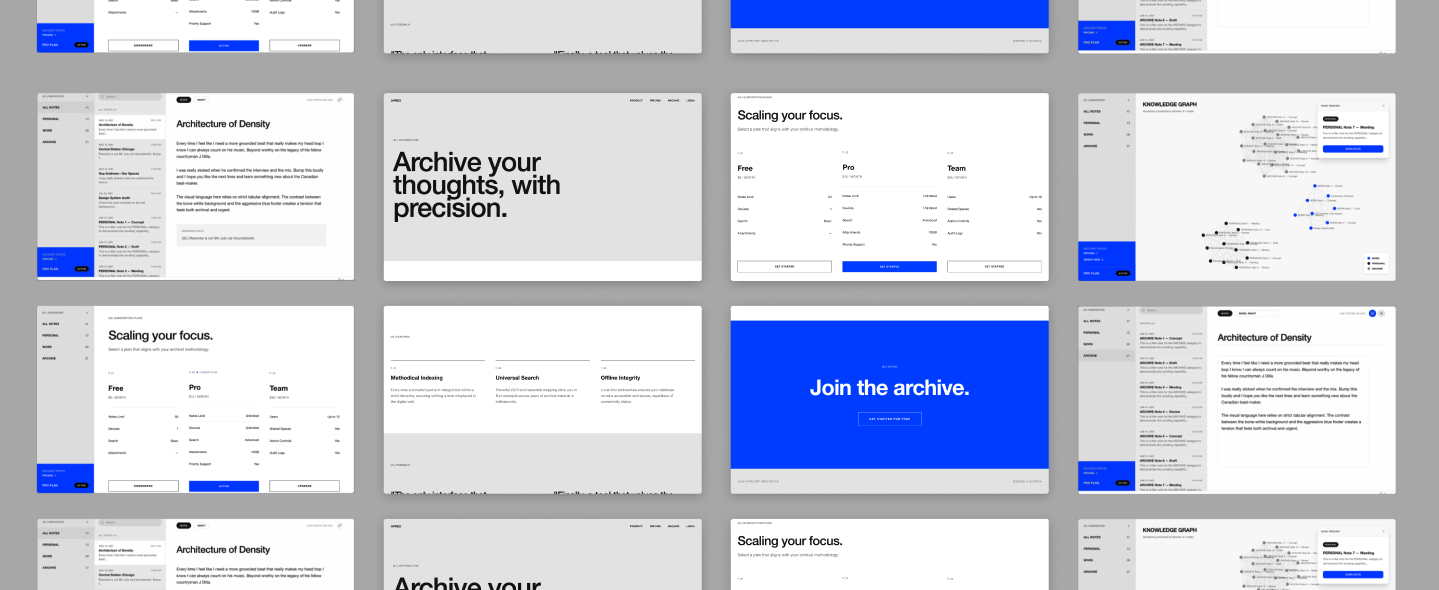
Get the screens right before you build any backend. Changing a screen is cheap; changing a data model after users have data is not. v0 (free, with Plus at $30 per user per month) generates clean UI from a description and outputs standard Next.js code, and Lovable does the same inside its builder.
- Generate one screen per prompt, using the screen descriptions from your spec.
- Pick one component library and one style, and keep every screen on it. Mixed styles are what make AI-built apps look like a collage.
- Click through the flow as a user before building. If it's confusing now, it'll be confusing live.
This is the step founders skip most, and it's why we start every client build in Figma before any code.
Step 4: Choose your build path and set up the project (day 5)
If you can't read code, build in an AI app builder like Lovable or
Bolt.new ($25 a month on Pro). Connect it to GitHub on day one so the code can move later.
If you or a developer can read code, use a real repo with an AI editor. Set up the project so that it deploys from the first day:
- Create a GitHub repo and a Next.js app (or export the one v0 generated).
- Create a Supabase project for the database and auth, and put its keys in environment variables, never in the code.
- Connect the repo to Vercel so every push deploys a live URL.
- Add your
SPEC.mdto the repo so your AI tool can read it.
Deploying on day 5, before there's anything worth showing, means deployment problems surface early instead of the night before launch.
Step 5: Build the core flow with AI (days 6–12)
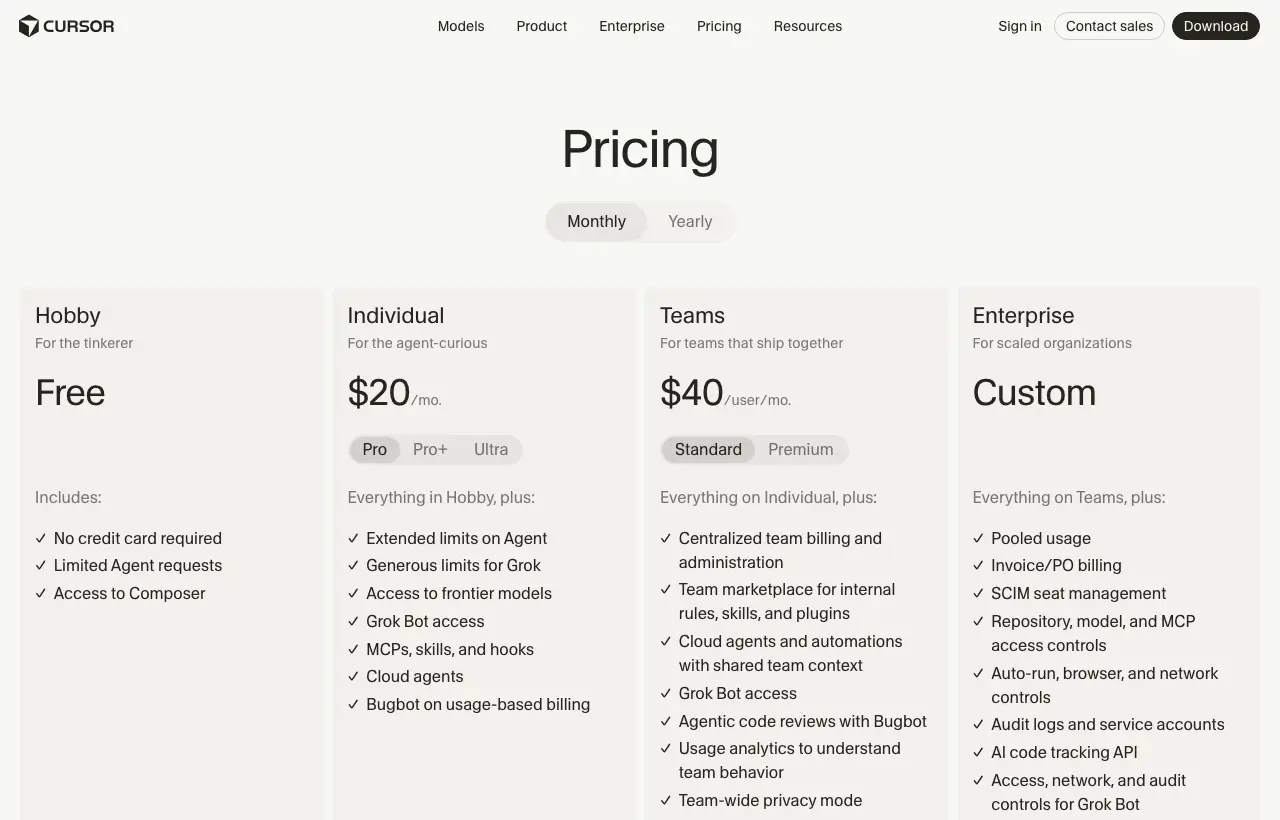
This is where Cursor ($20 a month) or
Claude Code (included with Claude Pro, $17 a month annual) do most of the typing. The tool isn't the difference between a working MVP and a mess; the working habits are. The rules we follow:
- One feature per session. "Build the sign-up flow", not "build the app". Small changes are easy to review and easy to undo.
- Ask for a plan before code. Have the AI list the files it will change and why. Fix the plan, then let it write.
- Give it the context. Point it at
SPEC.mdand the relevant files. Most bad AI code comes from missing context. - Read every diff before accepting it. If you can't follow a change, ask the AI to explain it line by line.
- Commit after every working step. A commit is a save point you can return to when the next change breaks something.
A prompt that works for each feature:
Read SPEC.md and [relevant files].
Task: [one feature, e.g. "users can create a project with a name and description"].
Before writing code, list the files you'll change, the data you'll store,
and anything in the spec that's unclear. Wait for my OK.
Then implement it, keep to the existing components and styles,
and tell me exactly how to test it by hand.
Build the core flow end to end first, even if it's ugly, then polish. A complete ugly flow teaches you more than a beautiful half-flow.
Step 6: Add auth and data security properly (days 8–10)
This is the first part of the "boring stuff" where AI-built MVPs fall apart. As founders describe it, the AI route gets people "like 70% there" and then struggles with login, payments, and deployment. Do these deliberately:
- Use a managed auth provider (Supabase Auth, or your builder's built-in auth). Never let the AI invent its own password handling.
- Lock down data access. In Supabase, turn on row-level security and write a rule for each table so users can only read and change their own rows. Ask the AI to write the policies, then test them by logging in as two different users.
- Keep secrets secret. API keys live in environment variables on the server, never in front-end code.
Test this step harder than any other. A bug in a button is embarrassing; a bug in access rules leaks your users' data.
Step 7: Add payments (days 10–11)
For an MVP, start with the simplest Stripe option that works:
- Validating willingness to pay: a Stripe payment link. No code, and you learn whether people pay.
- Charging inside the product: Stripe Checkout, plus a webhook that marks the user as paid in your database.
Build it in Stripe's test mode first, and test the unhappy paths: a declined card, a cancelled checkout, a user who pays and then refreshes. Webhooks are where AI-written payment code most often goes wrong, so read that code yourself or have a developer review it.
Step 8: Debug with AI without making things worse
Debugging is where AI-built MVPs most often spiral. One founder described the pattern exactly:
"Fix one bug, two more show up. Change one logic, another feature breaks. I'm scared to touch it anymore."
r/vibecoding on Reddit
The fix is a debugging process, not a better prompt. The loop we use:
- Reproduce it. Write down the exact steps that trigger the bug. If you can't reproduce it, you can't confirm a fix.
- Collect the evidence. The full error message, the browser console, the server logs, and the network request that failed. Paste all of it, not a summary.
- Ask for a diagnosis before a fix. "Here's the error and the steps. List the three most likely causes and how to confirm each one. Don't change any code yet."
- Confirm the cause, then fix only that. One small change, then re-run your reproduction steps.
- Check you didn't break anything else. Click through the core flow again after every fix.
- Commit the fix with a message describing the bug.
Two rules keep you out of the spiral:
- The three-attempt rule. If three AI fixes haven't solved it, stop. Revert to your last working commit and approach it fresh, with a smaller change.
- Never accept a fix you don't understand. Ask the AI to explain why the bug happened. If the explanation doesn't make sense, the fix probably doesn't either.
This is also why committing after every working step (step 5) matters: it turns "I'm scared to touch it" into "I'll go back to yesterday's version".
Step 9: Test the MVP before anyone else does (days 12–13)
- Walk the core flow as a new user, on desktop and on your phone, from a logged-out browser.
- Test the edges: empty states, very long inputs, a slow connection, two users at once.
- Test access: log in as user A and try to open user B's data by changing the URL.
- Ask the AI to write automated tests for the core flow and for every bug you fixed in step 8, so fixed bugs stay fixed.
Step 10: Add analytics and a launch checklist (day 13)
Add PostHog (or similar) and track the few events that tell you whether the MVP works: signed up, completed the core action, paid, came back. Then run the launch checklist:
- Secrets are in environment variables, not in the code.
- Data access rules are on and tested with two accounts.
- Payments tested in test mode, then switched to live mode.
- Error messages are friendly, and you get notified when something breaks.
- A privacy policy and terms page exist.
- A custom domain is connected, and the app works on mobile.
Step 11: Launch to 10 real users (day 14)
Don't launch to everyone. Launch to 10 people who have the problem, watch them use it (on a call, screen shared, if you can), and write down every place they hesitate. That list is your next sprint. Launching small is how a 2-week MVP stays a learning tool instead of becoming a support burden.
What does a 2-week vs 4-week MVP plan look like?
| Phase | 2-week prototype | 4-week production MVP |
|---|---|---|
| Scope and spec | Days 1–2 | Week 1, days 1–3 |
| Screens | Days 3–4 | Week 1, days 4–5 |
| Core flow build | Days 5–10, in an AI builder | Week 2, in a real repo |
| Auth, data rules, payments | Builder defaults and a payment link | Week 3: managed auth, row-level security, Stripe Checkout and webhooks |
| Testing and debugging | Days 11–12 | Week 4, days 1–3, with automated tests |
| Launch | Days 13–14, to 10 users | Week 4, days 4–5, to 10 users |
The difference between the two isn't speed. It's what you can safely put through them. A 2-week prototype is for learning whether people want it. A 4-week MVP is something paying users can depend on.
What are the most common mistakes?
- Prompting "build me an app". Big prompts produce big, tangled changes. One feature per session.
- Skipping the spec. Without it, every session starts from zero and the product drifts.
- No commits. Without save points, one bad change can cost days.
- Leaving auth, data rules, and payments to the end. They're the hardest parts; do them in the middle, with time to test.
- Debugging by re-prompting. Asking "fix it" five times is how one bug becomes three. Use the loop in step 8.
- Launching to everyone. Ten watched users teach you more than a thousand silent sign-ups.
When should you hand the build to a team instead?
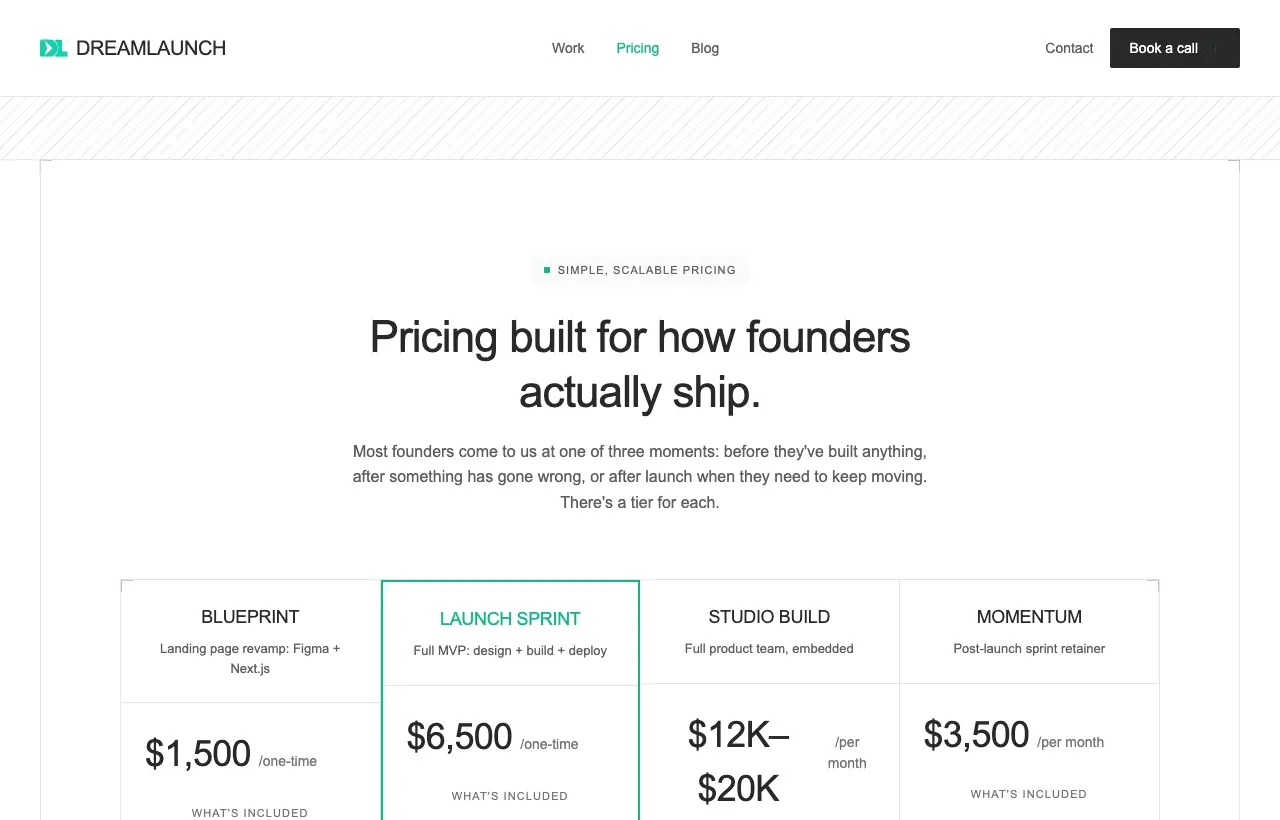
Doing it yourself is the right call for validation. It's the wrong call when the stakes rise: paying customers, sensitive data, a fundraise that depends on the product, or when you're spending more hours debugging than talking to users. That's the gap our Launch Sprint fills: $6,500 fixed for a designed, built, and deployed MVP, averaging 4–5 weeks, following the same steps as this guide, with a team that has done the last 30% many times.
Our take: Build the 2-week prototype yourself; it's the cheapest way to learn whether anyone wants the product. Once they do, the question isn't whether you can build it with AI (you can), it's whether your time is better spent building or selling. For the full cost picture, see how much an MVP costs in 2026, and for choosing between building paths, AI MVP development.